Why New Outlook AutoCorrect Fails and How To Fix It
New Outlook AutoCorrect fails for many users. Learn why entries stop firing and the steps that actually fix the issue.
Why New Outlook AutoCorrect Fails and How To Fix It Read More »
New Outlook AutoCorrect fails for many users. Learn why entries stop firing and the steps that actually fix the issue.
Why New Outlook AutoCorrect Fails and How To Fix It Read More »
New Outlook Email Templates help you send consistent emails faster. Learn how to use templates, import OFT files, and create your own in New Outlook.
New Outlook Email Templates: Use, Import, & Create Read More »
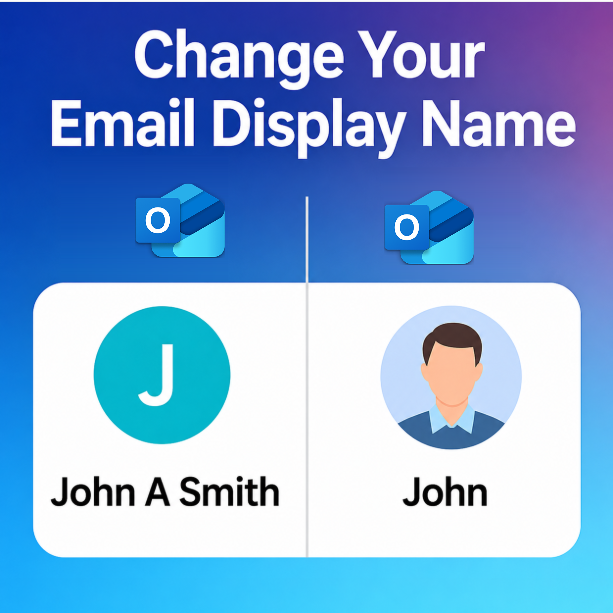
Change your sender display name in Outlook so recipients see the correct name for Microsoft 365, Outlook.com, Gmail, Yahoo, IMAP, and POP accounts.
Change Your Sender Display Name in Outlook Read More »
Learn how to create New Outlook Rules by Message Type to automatically organize meeting invites, encrypted emails, and read receipts for a cleaner, more efficient inbox.
Set Up New Outlook Rules by Message Type Read More »
Discover the new look and feel of New Outlook Scheduling as Copilot Chat joins the experience. Learn what’s changed and how these updates impact Microsoft 365 Copilot users.
New Outlook Scheduling Gets a Makeover – Copilot Chat Joins Read More »
Learn how to show week numbers in the New Outlook calendar and understand what each starting option means so you can plan projects and reports more efficiently.
Show Week Numbers in New Outlook Calendar Read More »
Find out if you can create an .ics file in New Outlook, what Microsoft says about this feature, and your best current workarounds.
Can You Create an .ics File in New Outlook? Read More »
Learn how to import an .ics calendar file into New Outlook in just a few clicks. Follow these simple steps to add events quickly and stay organized.
Import an .ics File into New Outlook Read More »
Why not configure New Outlook Sweep Rules to clean out your inbox. Four predefined rules to delete and move similar emails quickly.
New Outlook SWEEP Rules To Clean Out Inbox Emails Read More »
New Outlook subfolder notifications not working? Here’s what changed and what you can do to keep up with important emails.
New Outlook Subfolder Notifications Not Working Read More »
Microsoft introduced Auto-Archive in Outlook to move emails automatically when mailboxes reach 90% capacity. Learn what it does, why rollout was paused, and whether it’s worth using.
Outlook Auto-Archive: Is It Worth It? Read More »
In New Outlook, the “Run Rules Now” button may appear greyed out. Find out which rules still work and when fixes are expected.
Why “Run Rules Now” is Greyed Out in New Outlook Read More »