Microsoft 365 Retired Features
Microsoft Publisher Retirement: What to Do With .PUB Files
Microsoft Publisher retirement affects Microsoft 365 users in October 2026. Learn how to protect .PUB files and choose a practical alternative.

Microsoft Publisher retirement affects Microsoft 365 users in October 2026. Learn how to protect .PUB files and choose a practical alternative.

Copilot Notebook Mind Maps reveal connections across your sources. See how to access them, workplace uses, limitations, and my feature wish list.
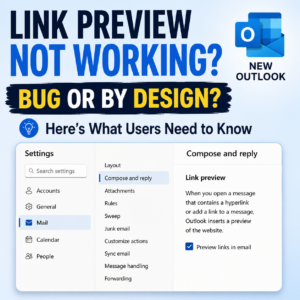
Outlook Link Preview stopped working in several Outlook experiences. Learn what changed, what Microsoft confirmed, and what users should expect next.

Copilot Notebook is not replacing OneNote. Learn when to use each workspace and when Copilot Chat or SharePoint may be enough

Use this four-part test before you create a Copilot Notebook. Decide whether selected sources, repeated use, audience, and outcomes justify the workspace.
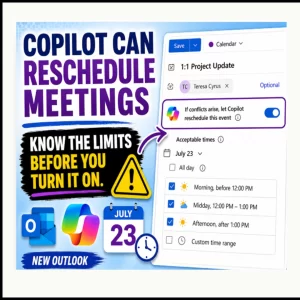
Learn how Copilot rescheduling in Outlook works, which 1:1 meetings qualify, what triggers a move, and when Copilot stops managing the event.
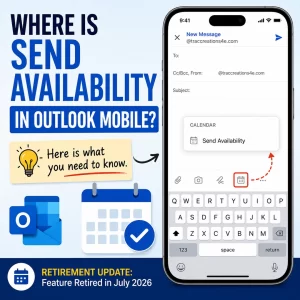
Send Availability in Outlook Mobile is missing because Microsoft retired the feature in July 2026. Learn what changed, who is affected, and what users can do instead.
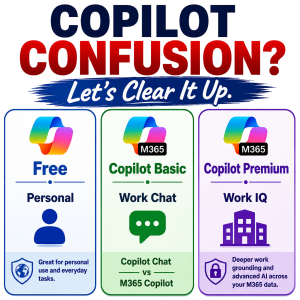
Confused about all the versions of Microsoft Copilot? You’re not alone. This guide breaks down the key differences between Copilot Free, Copilot Chat, M365 Copilot, and Copilot Premium—including what each version can do, how they handle web and work data, and where agents fit in. Perfect for everyday users and IT pros who want clarity before upgrading.
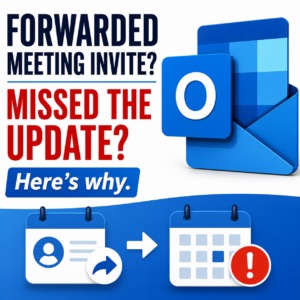
Accepted forwarded Outlook meetings but never received updates when the organizer changed the meeting? Learn why forwarded attendees often miss meeting updates and how to fix the problem.
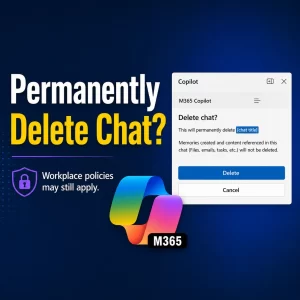
Can employers see deleted Copilot chats? Deleting a chat removes it permanently from your view, but workplace policies may still apply.

Microsoft Teams stuck on loading screen? Before reinstalling the app, check if Microsoft has an active Teams service incident.