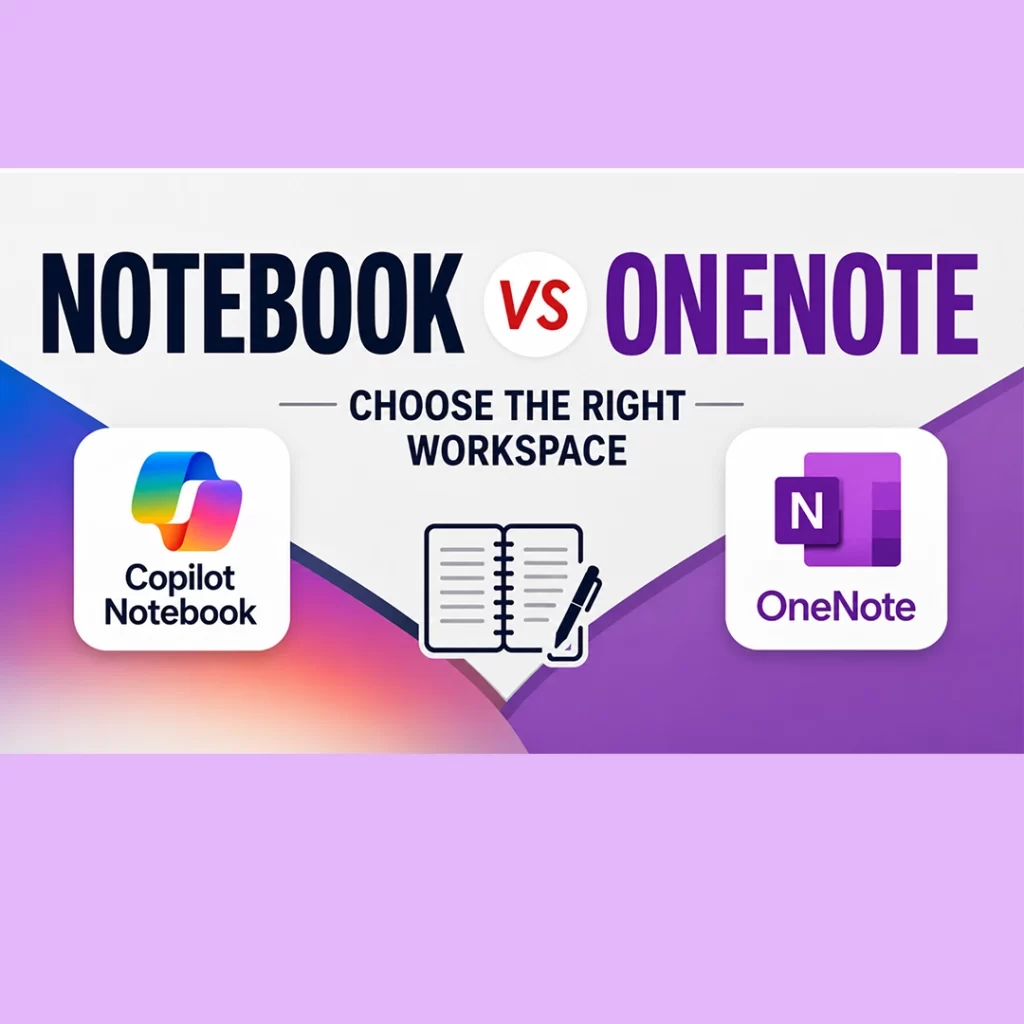
Copilot Notebook vs OneNote sounds like a comparison between two versions of the same tool. However, they serve different purposes.
First, let’s address the elephant in the room.
No. Copilot Notebook is not replacing OneNote.
That was one of my first questions. Microsoft describes Copilot Notebooks as an AI-powered workspace for a defined project or task. In contrast, OneNote provides a flexible structure for capturing and organizing notes over time.
You may even use both tools as part of the same workflow. Therefore, the better question is not, “Which tool is more powerful?”
Instead, ask: Where does the information begin, and what do I need to do with it?

Use OneNote When the Information Begins With You
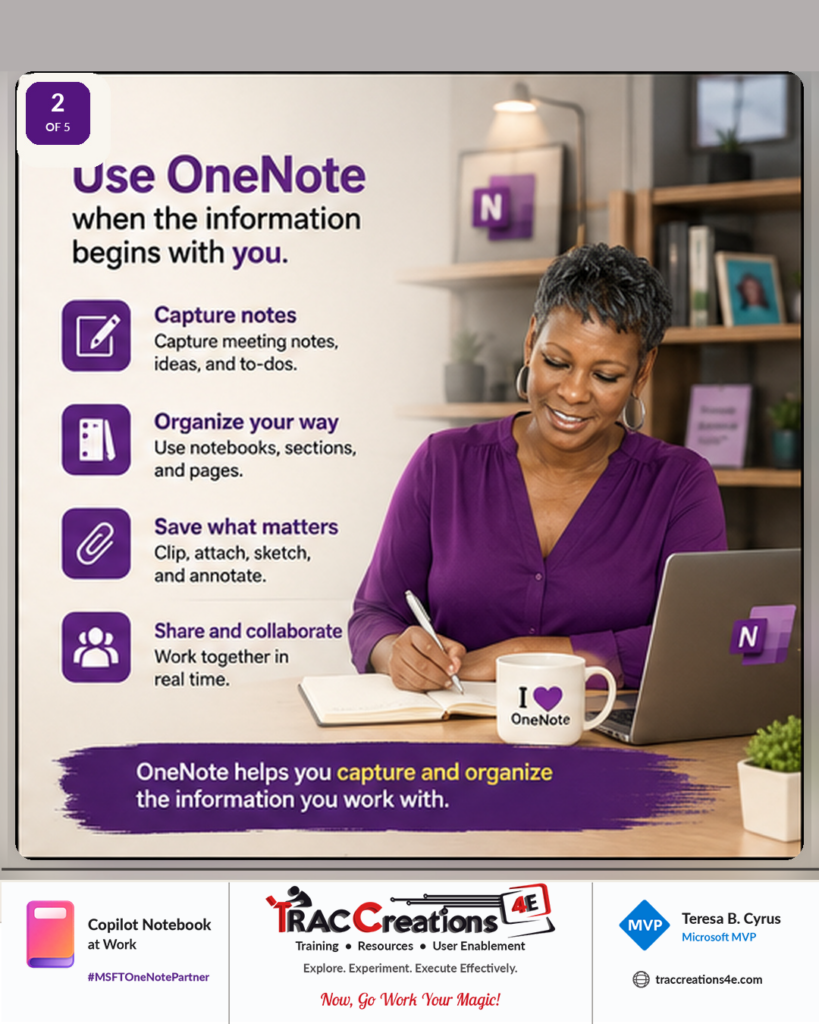
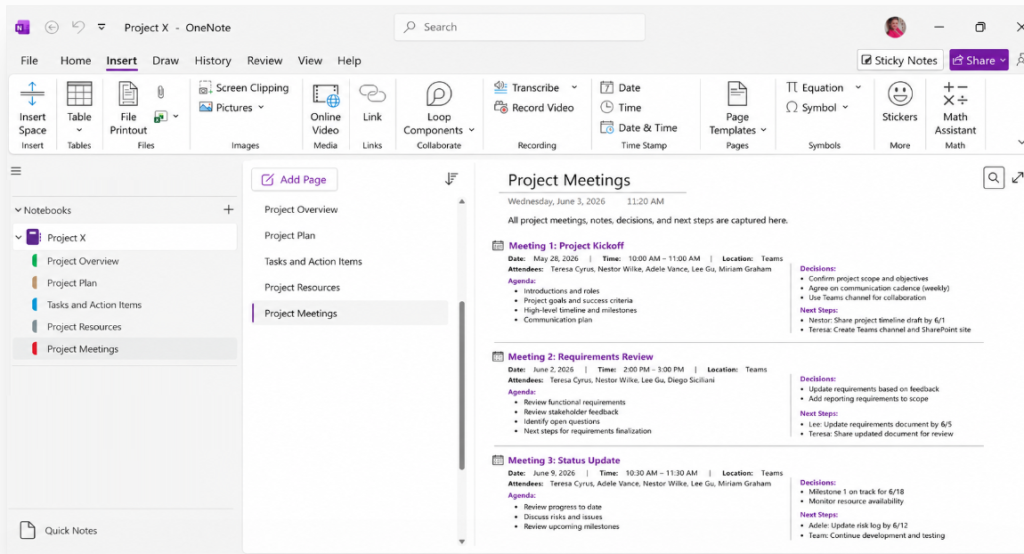
OneNote is a flexible workspace for capturing, developing, and organizing information as you work.
For example, you can use OneNote to:
- Take meeting notes
- Record ideas and tasks
- Organize information into notebooks, sections, and pages
- Clip, attach, sketch, or annotate content
- Maintain reference materials
- Share notes with a team
A project manager might use OneNote to record planning notes, document decisions, and organize ideas for an upcoming campaign, product launch, or process rollout.
In another example, one company used a OneNote notebook as its Help Desk manual. The notebook contained many sections for procedures, troubleshooting steps, reference information, and support notes.
In both cases, people create and organize the information themselves. The content develops over time, and the OneNote notebook becomes a long-term reference.
Use Copilot Notebook When the Work Begins With Selected Sources
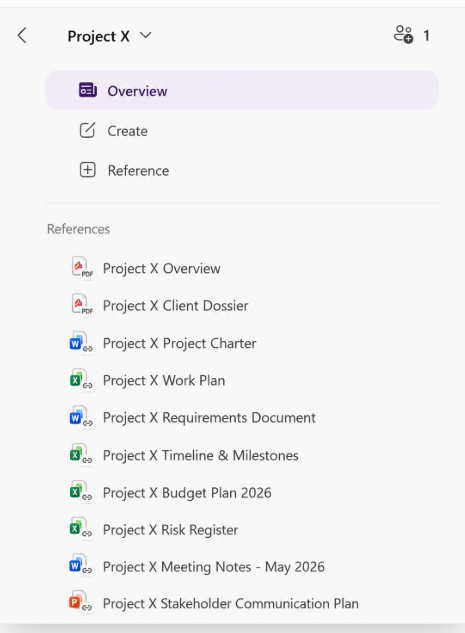
Copilot Notebook is a better fit when you choose a specific set of sources from Microsoft Teams, Outlook, SharePoint, OneDrive, Copilot Pages, and other Microsoft 365 apps to support a specific project, topic, or outcome.
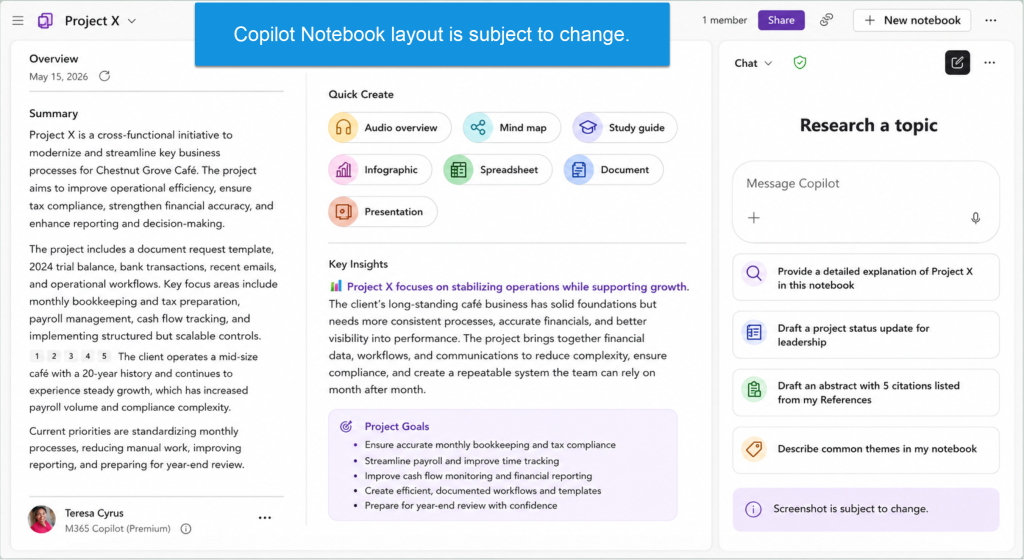
Copilot then works from that selected collection. For example, it can answer questions, summarize information, compare sources, identify themes, and draft new content grounded in the references you provided.
Microsoft describes Copilot Notebook as a focused workspace that uses the content added to the notebook.
The important word is selected.
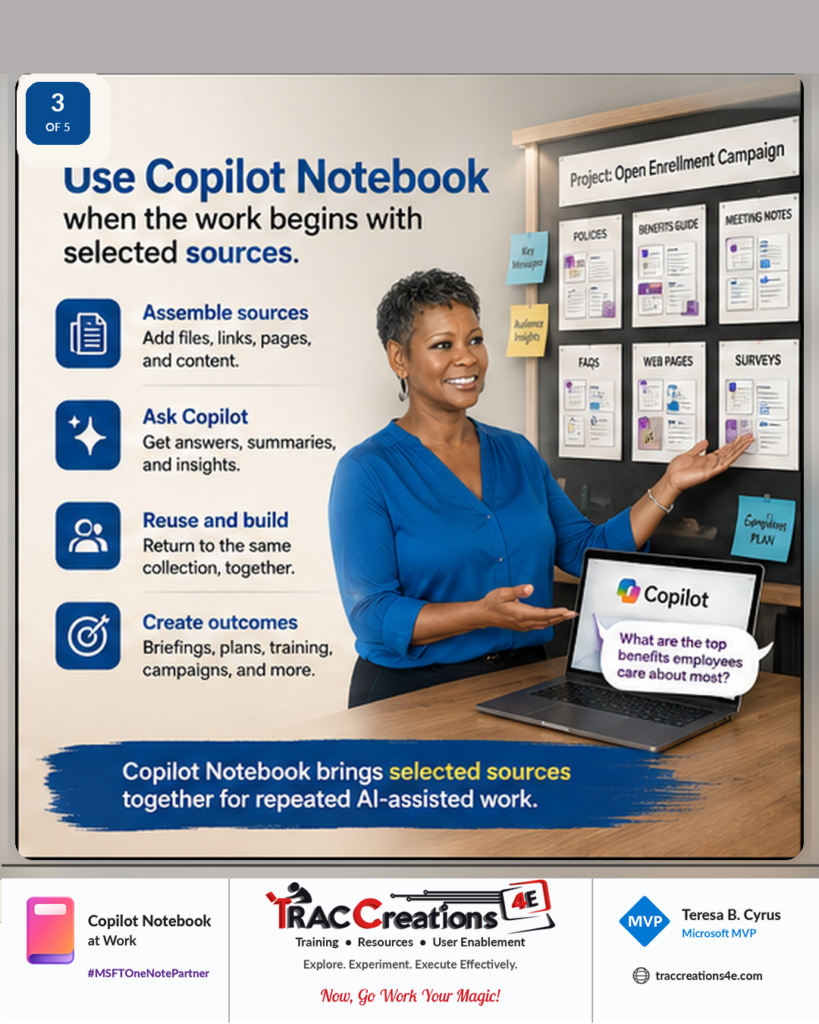
Unlike a broad organizational search, you choose the material Copilot should use for that specific Copilot Notebook.
Those sources might include:
- Policies and procedures
- Reports
- Meeting notes
- Frequently asked questions
- Web pages
- Presentations
- Project documents
- Copilot conversations
- OneNote pages
Copilot Notebook vs OneNote at a Glance
|
Question |
OneNote |
Copilot Notebook |
|
What is its main purpose? |
Capture and organize notes and information |
Work with a selected collection of sources using AI |
|
Where does the content begin? |
You create or collect it while working |
You choose and add existing sources |
|
How is it structured? |
Notebooks, sections, pages, and free-form notes |
References, Copilot conversations, and created content |
|
What is it best for? |
Ongoing note-taking and long-term information management |
A specific project, topic, campaign, or repeated AI workflow |
|
How does Copilot contribute? |
Helps with the content on the current page or within OneNote |
Works across the notebook’s selected references |
|
Will you return to it? |
Yes, to maintain and expand your notes |
Yes, to reuse the same selected source collection |
This is not an either-or decision. For example, a team could maintain working notes in OneNote and add selected OneNote pages to a Copilot Notebook for a specific project.
What Can You Create From a Copilot Notebook?
Copilot Notebook can help turn a source collection into useful working materials.
Depending on your license and rollout status, those outputs may include:
- Reports and documents
- Presentations
- Spreadsheets or worksheets
- Mind maps
- Study guides
- Infographics
- Audio overviews
- Briefings, plans, and training materials
For example, an HR team could create a Copilot Notebook containing approved benefits documents, employee questions, campaign notes, and supporting web pages.
The team could then return to that collection to prepare employee communications, presentations, reports, training materials, and other campaign resources.
Also, Copilot can use changes made to linked source files when creating future responses. As a result, the team does not have to build the same source collection again for every task.
A focused Copilot Notebook can also reduce the noise from unwanted or outdated content stored in Teams, SharePoint, or Outlook.
That repeated use is what makes the notebook valuable.
Copilot Notebook Licensing and Availability
Microsoft 365 Copilot Notebooks are available to commercial users with Microsoft 365 Copilot or Copilot Chat access. A SharePoint or OneDrive service plan is also required to create a notebook.
However, users should not expect an identical experience. Reference limits, work-data access, content-creation tools, OneNote entry points, service priority, and usage limits can vary based on the account label and assigned license. Microsoft is also rolling out some capabilities gradually, which means two users may not see the same features at the same time.
Compare Copilot Notebook Licensing, Features, and Reference Limits
| Copilot Notebook feature or limitation | Copilot Chat Basic or M365 Copilot Basic | M365 Copilot Premium |
|---|---|---|
| Create and use Copilot Notebooks | Available | Available |
| Notebook Chat grounded in selected references | Available | Available |
| Overview and Key Insights | Available | Available |
| Mind maps | Available | Available |
| Study Guide | Available, although rollout timing may vary | Available, although rollout timing may vary |
| Audio overviews | Available to eligible commercial work or school accounts; rollout, language, and usage limitations may apply | Available to eligible commercial work or school accounts with priority access |
| References used for grounding | Up to 50 references | Up to the first 300 references |
| Word, PowerPoint, and Excel creation from the notebook | Unsupported at the time of this post | Expanded availability |
| Infographic and other visual creation tools | Unsupported at the time of this post | Expanded availability |
| OneNote entry point | Unsupported at the time of this post | Expanded availability, although the entry point may still depend on the OneNote version and rollout status |
| Microsoft 365 work context | Primarily grounded in selected or uploaded content | Access across permitted files, emails, meetings, chats, people, and other Microsoft 365 content |
| Service access | Standard access that may be limited during periods of high demand | Priority access with more consistent availability |
How to Check Your Copilot License
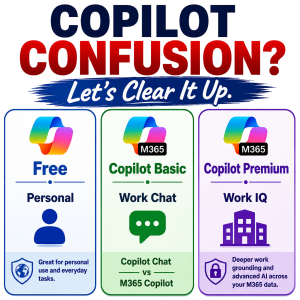
Microsoft currently displays one of three Copilot labels under a user’s account name:
- Copilot Chat (Basic): Provides Copilot Chat without the Microsoft 365 Copilot add-on. It does not include direct Copilot access in Word, Excel, PowerPoint, or OneNote.
- M365 Copilot (Basic): Does not include the Microsoft 365 Copilot add-on. However, standard Copilot access is available in supported Microsoft 365 apps.
- M365 Copilot (Premium): Includes the Microsoft 365 Copilot add-on. It provides the expanded Copilot experience, broader access to work data, and priority access.
Before comparing your experience with another user, check the label displayed under your account name in Microsoft 365.
Because Copilot Notebook features continue to change, stay connected to the TRACCreations4e website and YouTube channel for tested updates.
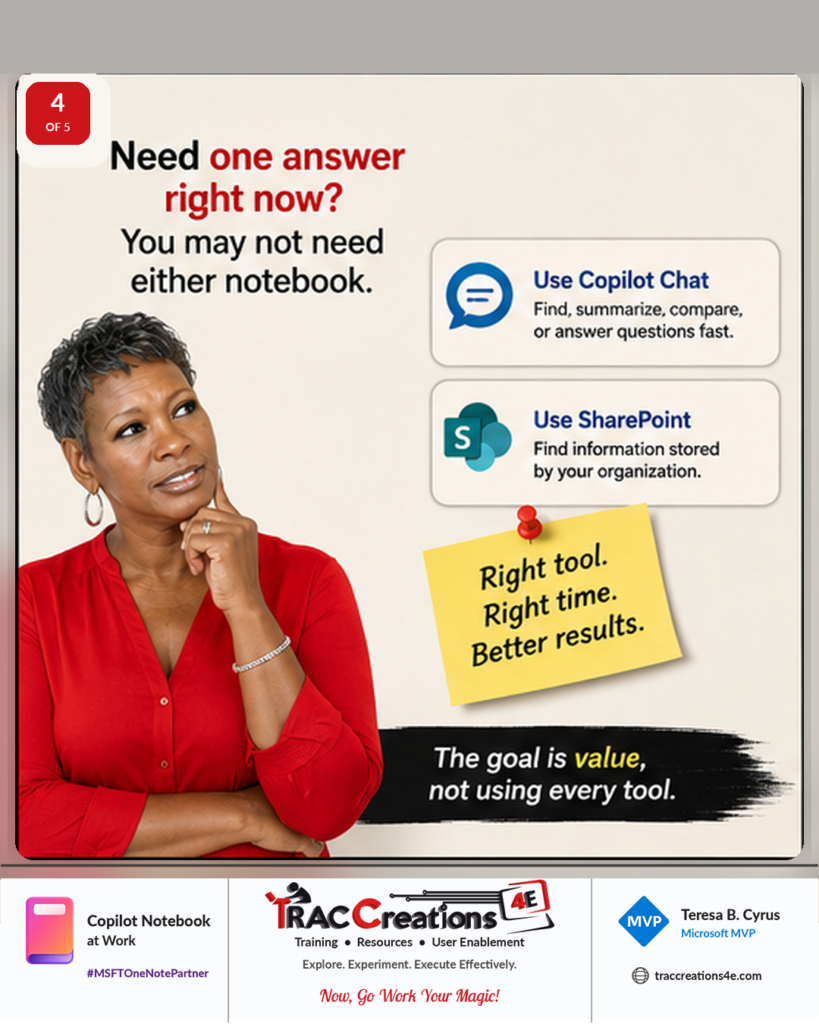
Need One Copilot Answer Right Now?
You may not need either OneNote or Copilot Notebook.
For a quick summary, comparison, draft, or answer, start with Copilot Chat.
Meanwhile, SharePoint may be the better choice when you only need to locate information that your organization already stores there.
Creating a Copilot Notebook for one question or one document adds another workspace to maintain. Instead, create one when you expect to reuse the same selected sources for continued work.
Take the Copilot Notebook Decision Test
The difference between OneNote and Copilot Notebook is only part of the decision.
You should also consider whether you selected the sources for a clear reason, whether the work will continue, and whether a focused notebook offers more value than one Copilot Chat conversation.
Before creating another workspace, use the Copilot Notebook decision test to evaluate your scenario. The four-question test is covered in Create a Copilot Notebook? Four Questions to Ask.
Choose the Workspace That Matches the Work
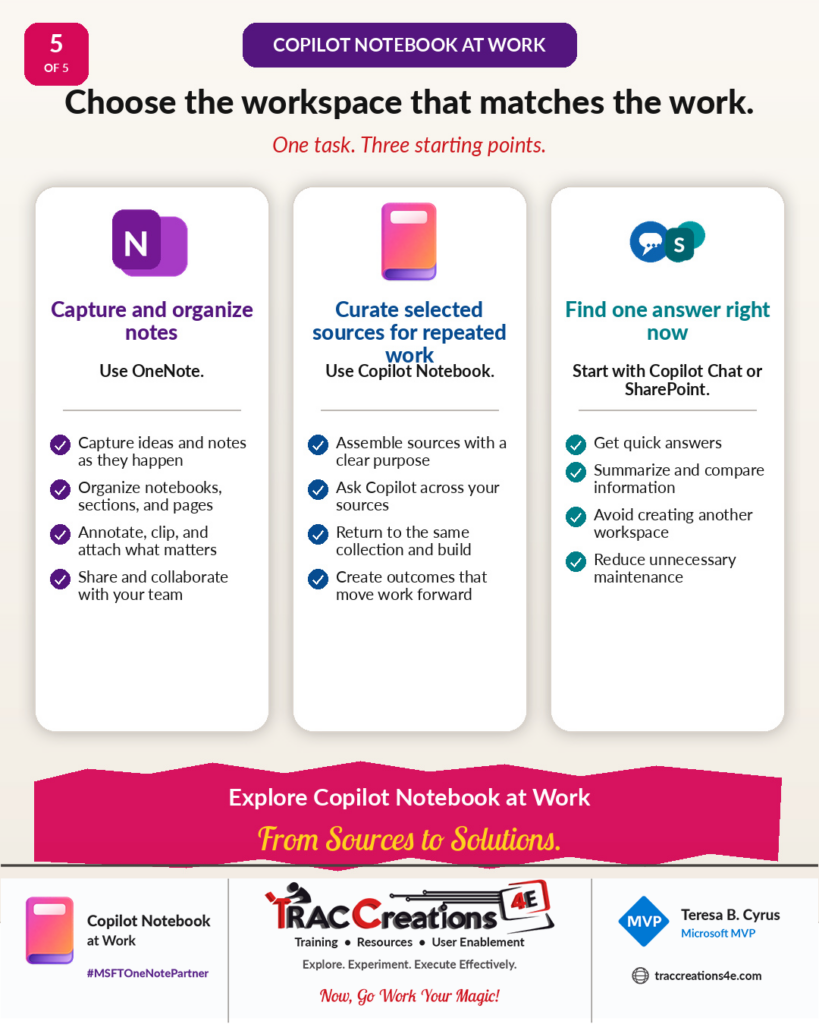
Choose OneNote to capture, develop, and organize information.
Select Copilot Notebook when you need repeated, purpose-driven AI work based on a specific collection of sources.
For one answer or one piece of information, turn to Copilot Chat or SharePoint.
Ultimately, the goal is not to use every Microsoft 365 tool. The goal is to choose the workspace that adds value without creating duplicate work.
Copilot Notebook is still developing. Its features, licenses, entry points, and limits will continue to change. For additional guides, testing results, and future updates, review the Copilot categories on this website.
Copilot Notebook at Work | From Sources to Solutions | #MSFTOneNotePartner |