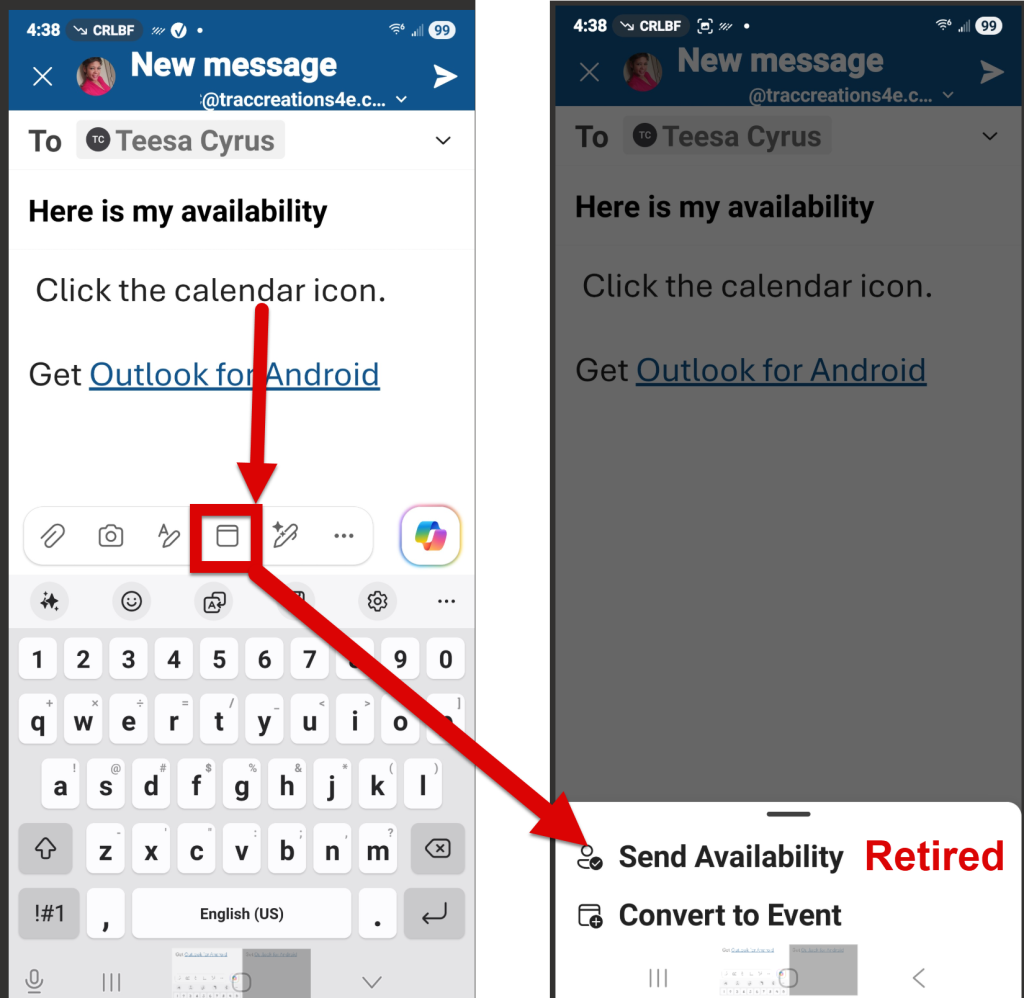
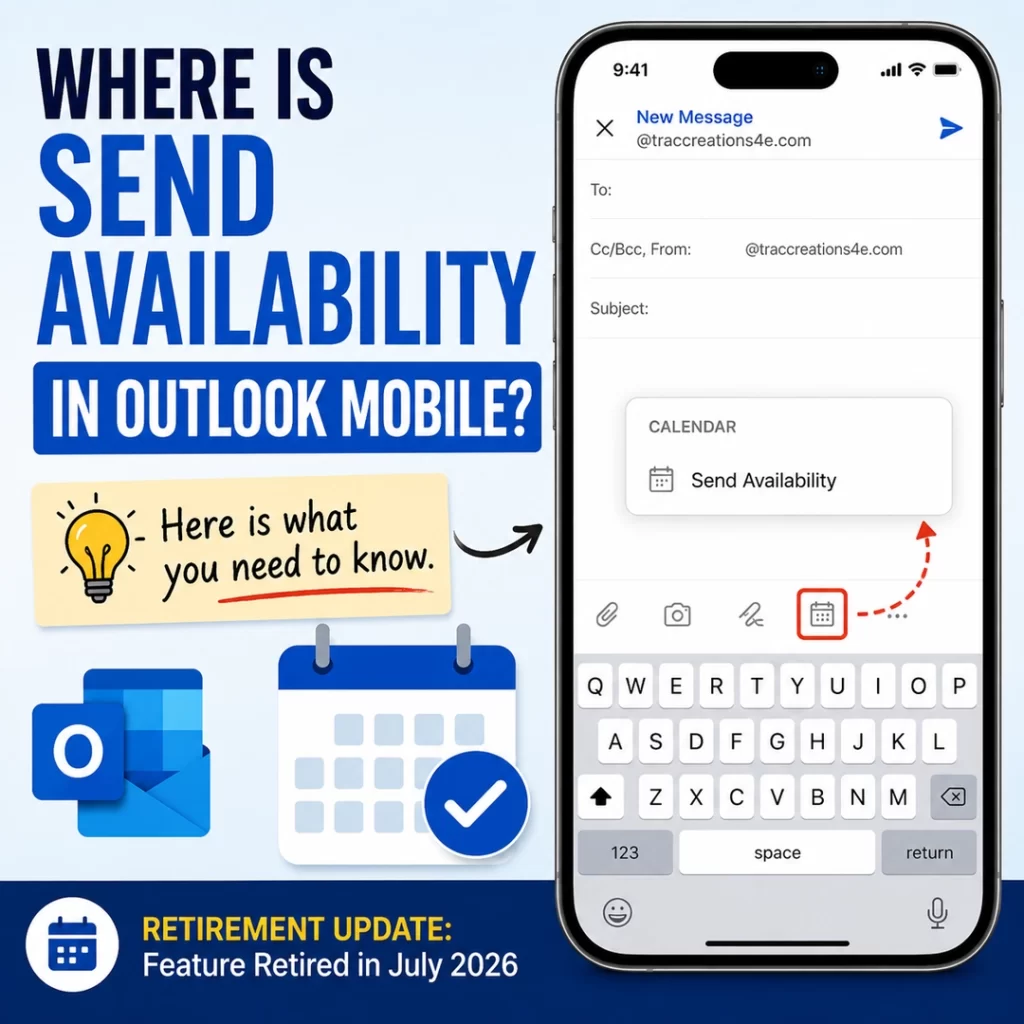
Send Availability in Outlook Mobile is missing because Microsoft retired the feature for Outlook for iOS and Android as of July 2026.
If you are looking for the Send Availability feature in Outlook mobile and cannot find it, you are not missing something.
This feature allowed users to check their calendar availability and insert available meeting times directly into an email while using Outlook mobile.
What Was Send Availability in Outlook Mobile?
Send Availability was an Outlook mobile feature that helped users quickly share meeting availability by selecting open times from their calendar and adding those times directly into an email.
It was useful for people who scheduled meetings from their phone and wanted to avoid switching back and forth between email and calendar.
Why Is Send Availability in Outlook Mobile Missing?
Send Availability is missing because Microsoft retired the feature.
According to Microsoft 365 Admin Center message MC1393802, the feature was removed from Outlook for iOS and Android as part of Microsoft’s effort to simplify the mobile email experience and focus on core productivity workflows.
What Changed?
The Send Availability option was removed from the Outlook mobile compose experience.
Users no longer see the Calendar availability-sharing option while drafting or replying to an email in Outlook for iOS or Android.
This change affects:
Outlook for iOS
Outlook for Android
Users with work, school, or personal Outlook.com accounts using the Outlook mobile app
This change does not remove or change the Outlook calendar itself.
Does This Affect Outlook.com Users?
Yes, if you use an Outlook.com account in the Outlook mobile app for iOS or Android, this change may affect you.
This retirement is tied to the Outlook mobile app experience, not just Microsoft 365 work or school accounts.
However, this does not mean the Outlook.com web experience is changing. The Send Availability feature discussed here is the mobile compose option that appeared in Outlook for iOS and Android.
Can Admins Turn Send Availability in Outlook Mobile Back On?
No.
There is no admin setting, configuration, or override to bring back the Send Availability functionality in the Outlook mobile app.
What Can Users Do Instead?
Users will need to share availability manually.
The workaround is to:
Open their Outlook calendar.
Review available meeting times.
Return to the email.
Type the available times manually.
It adds extra steps, but calendar functionality itself still works.
Final Thoughts
Not everyone used Send Availability on their mobile device, but for those who scheduled meetings on their phone, it was a convenient feature.
Now that Microsoft has retired it, users will need to rely on the manual calendar check-and-type method.
If this information was helpful, the Microsoft 365 Retired Features category includes more posts about retired features, upcoming changes, and what they mean for users.