
Home / Shop
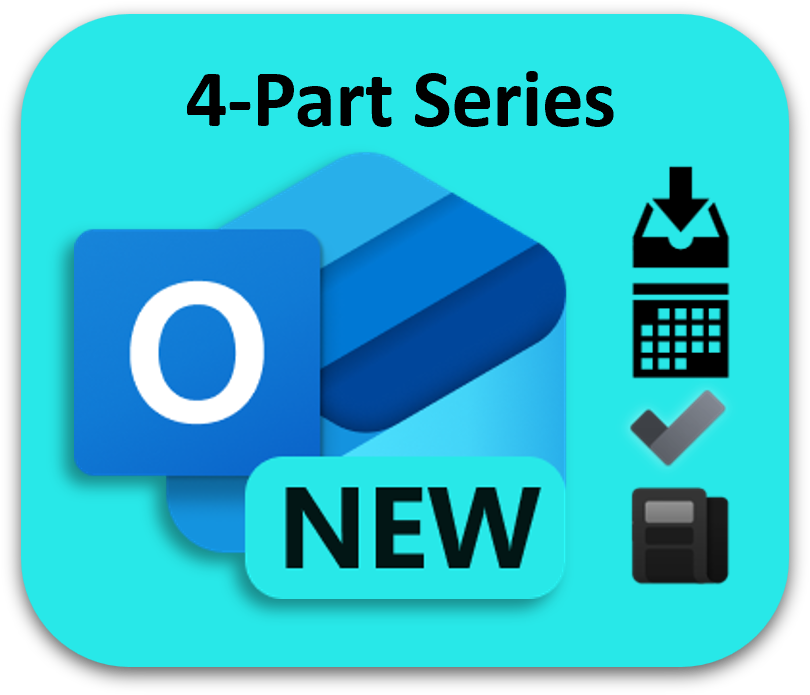
New Outlook 4-Part Webinar Series: Mastering Your Inbox, Calendar, Tasks & Newsletter


- Description
- Specifications
SPECIAL OFFER: With New Outlook comes New Workflows—this 4-part series shows you how to master them all: Inbox, Calendar, Tasks, and, as a bonus, Newsletter.
Designed for business and administrative professionals, team leads, small business owners, IT professionals, and anyone curious about the New Outlook features, this series will help you take control of your inbox, calendar, tasks, and communications with confidence.
You’ll:
- Learn step-by-step with live demonstrations
- Walk away with ready-to-use workflows you can apply immediately
- Boost productivity for both individual and team collaboration
Dates: October 3, 10, 17, and 24
Time: 3 PM Eastern Time Zone (1 hour each)
Price: $50 for all 4 sessions (Limited-time offer. That’s $12.50 per session)
Host: Lisa Hendrickson, Call That Girl
Purchase your seat today.
Session Topics:
- New Outlook Inbox: Accelerate AFTER Inbox Management
- New Outlook Calendar Mastery: Smarter Scheduling & Workflows
- Managing Tasks Made Easy With To Do & Planner
- Bonus: Professional Newsletters in Outlook, No Extra Tools Needed
Note: Each session includes live demonstrations of the latest New Outlook features, which may differ from published videos as Microsoft continues to roll out updates.
What do you get?
- License: One user, non-refundable
- Easy-to-Follow Training (1 hour each): Live webinar-style sessions
- Reference Materials: Any support guides or presentations are yours to keep
- Webinar Recordings: Unable to attend a live session, the recordings are available for a limited time.
- Mail List: Added to TRACCreations4e's mail list to receive newsletters about product feature updates and training opportunities
For more information:
ℹ️For session descriptions, click the Specification tab above.
📆 For purchased services, you will receive an email with the session details.
Session Descriptions:
New Outlook Inbox: Accelerate AFTER Inbox Management
With TRACCreations4e's signature AAIM system, you'll take control of your inbox and supercharge your productivity. Learn how to:
- Automate filing to declutter and review actionable messages faster
- Prioritize follow-ups to stay on top of important requests
- Archive files to keep information accessible while keeping your inbox clean
This session equips you to conquer your inbox with efficiency, giving you more time to focus on what truly matters - right now.
New Outlook Calendar Mastery: Smarter Scheduling & Workflows
Discover powerful scheduling tools designed for today’s hybrid workstyle. See practical demos of how to:
- Streamline meeting scheduling with new and enhanced tools for hybrid work
- Simplify workflows for in-person and follow meetings with improved filters
- Save time with hidden gems like composing tips and auto-online meetings
- Avoid scheduling mix-ups by confidently distinguishing between appointments and meetings
Managing Tasks Made Easy With To Do & Planner
Managing tasks doesn’t have to be a chore! In this dynamic session, you’ll learn how to:
- Stop using your inbox for tasks and break free from email overload
- Manage Personal Tasks in To Do to stay aligned with your team
- Create organized task groups to share and prioritize like a pro
- Manage project tasks in Planner to collaborate and track progress seamlessly
Walk away with practical tools and a clear game plan to conquer your to-do list and simplify your workday – all day, every day!
Create Professional Newsletters Directly in Outlook Without the Hassle
Learn how to build polished newsletters right inside Outlook for Windows, Outlook on the Web, or a dedicated website. In this session, you’ll:
- Access and enable the Newsletter feature
- Design a consistent format for internal updates
- Share newsletters externally using a simple workaround
If you manage communications, this session will help you streamline the process without switching tools or purchasing a third-party app.
Target Audience:
- Business and administrative professionals who want to streamline their daily email, calendar, and task workflows
- Team leads and managers seeking smarter scheduling and collaboration tools
- Small business owners and entrepreneurs looking to manage communications without extra software
- IT professionals and power users who want to stay ahead of New Outlook’s evolving features
- Anyone curious about the latest New Outlook features and how to use them effectively
Reserve your spot today—space is limited. Gain New Outlook skills that save you hours each week and transform how you work.