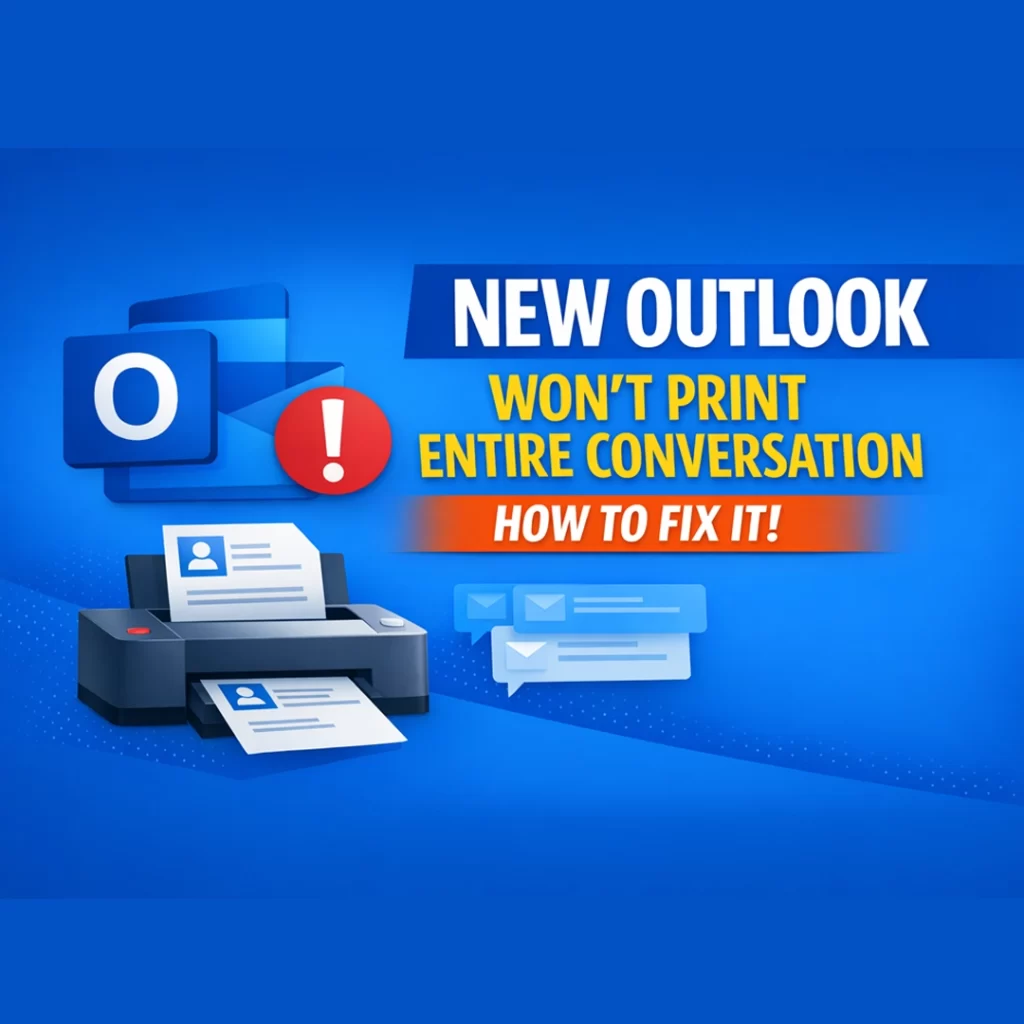
If New Outlook only prints one email instead of the entire conversation, it’s not a bug. It’s how Outlook handles printing. This behavior affects both New Outlook for desktop and Outlook on the web, and the fix comes down to which message you choose when you click Print.
Why New Outlook Only Prints One Email
In New Outlook for desktop and Outlook on the web, each message in a conversation has its own More options (three dots) menu, including Print.
New Outlook decides what prints based on which message you select, not the conversation view itself.
Print from an older message → only that single email prints
Print from the most recent message → the entire conversation prints
How New Outlook Decides What to Print in an Email Conversation
Each reply in a conversation is treated as a separate item. The most recent message acts as the “container” for the full thread.
If you don’t select the latest email, New Outlook has no reference to include earlier messages.
How to Fix When New Outlook Won’t Print Entire Conversation
Open the email conversation
Scroll to the most recent message
Select More options (three dots)
Choose Print
That’s it. No settings to change.
Does Message Order Affect How New Outlook Prints Emails?
No.
Whether your view is:
Newest on top, or
Newest on bottom
…the behavior is the same. You must print from the latest message.
Bottom Line
If New Outlook only prints one email, it’s because the wrong message was selected.
Always print from the most recent email to print the entire conversation.