Filtering Your Inbox RSVP Calendar Events Made Easier
The new Filtering RSVP Calendar Events feature manages your schedule effortlessly and keeps your inbox clutter-free.
Filtering Your Inbox RSVP Calendar Events Made Easier Read More »
The new Filtering RSVP Calendar Events feature manages your schedule effortlessly and keeps your inbox clutter-free.
Filtering Your Inbox RSVP Calendar Events Made Easier Read More »
Customize your inbox, hide the sender’s image/initials, and easily select multiple emails for a smoother workflow.
Customization: Outlook Sender’s Image & Checkboxes Read More »
New Outlook grouped conversations keep related emails organized in a single thread, making it easier to follow discussions and respond effectively.
Use New Outlook Grouped Conversations Feature Effectively Read More »
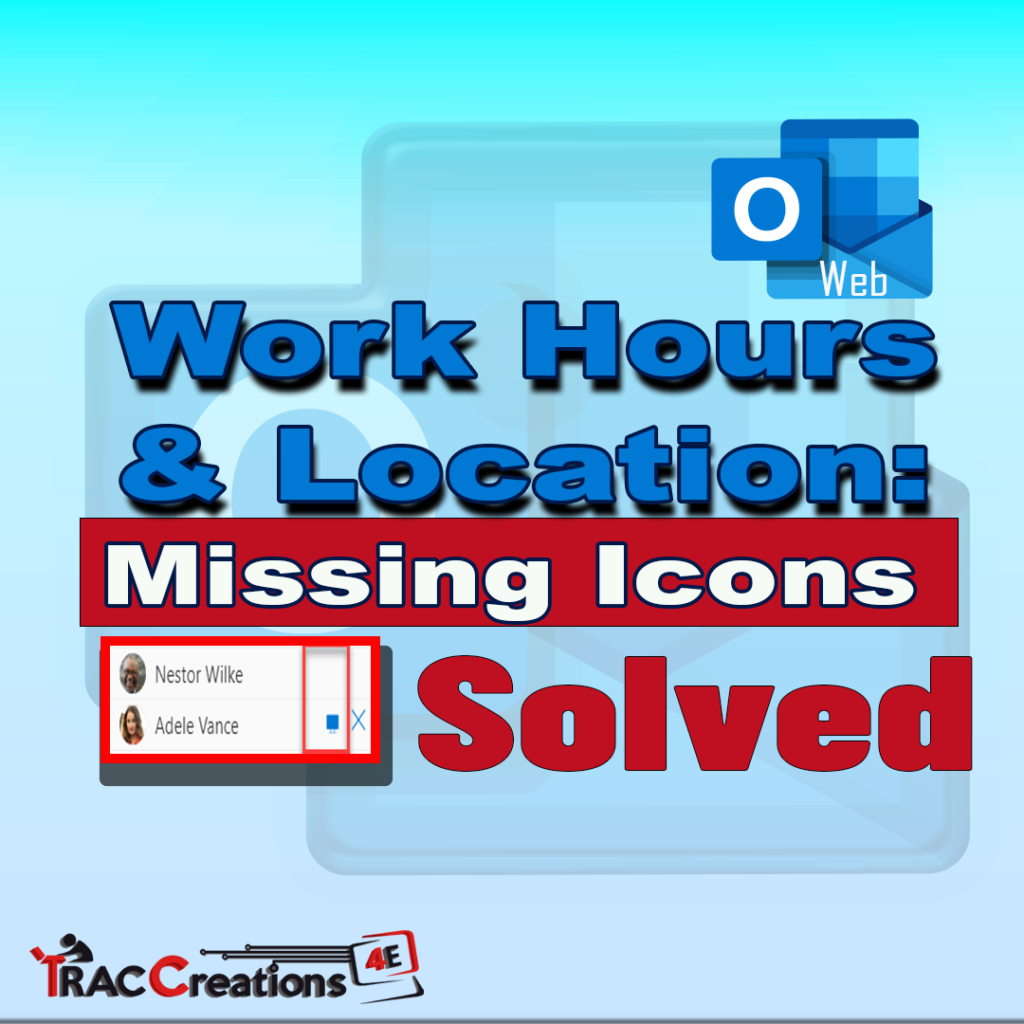
New Outlook for Windows users reported Outlook Work Hours and Locations are missing icons in Scheduling Assistant. Learn how to fix it.
Solved: Outlook Work Hours and Location Missing Icons Read More »
Microsoft’s announcement on the retirement of Outlook for the Web’s “Previewer Edit and Reply” feature. Smooth transition steps included.
Outlook for the Web: Farewell to Previewer Edit and Reply Feature Read More »
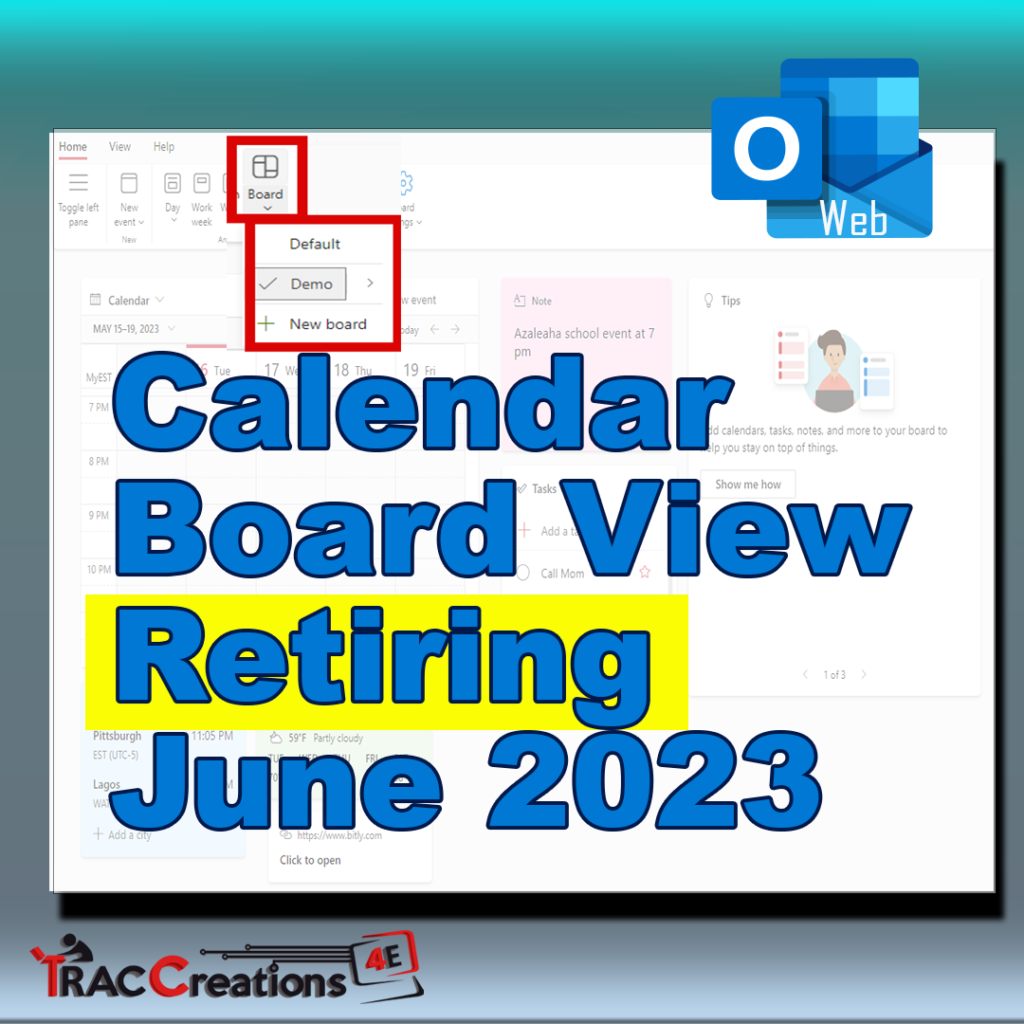
Microsoft decided to retire the Calendar Board View feature in Outlook for Web, effective June 2023. Action required by users.
Calendar Board View Retiring: Microsoft’s Latest Move Read More »
Understand the limitations of creating rules for Outgoing messages in Microsoft 365 New Outlook and what you can do about it.
New Outlook Limitations: Outgoing Message Rules Read More »
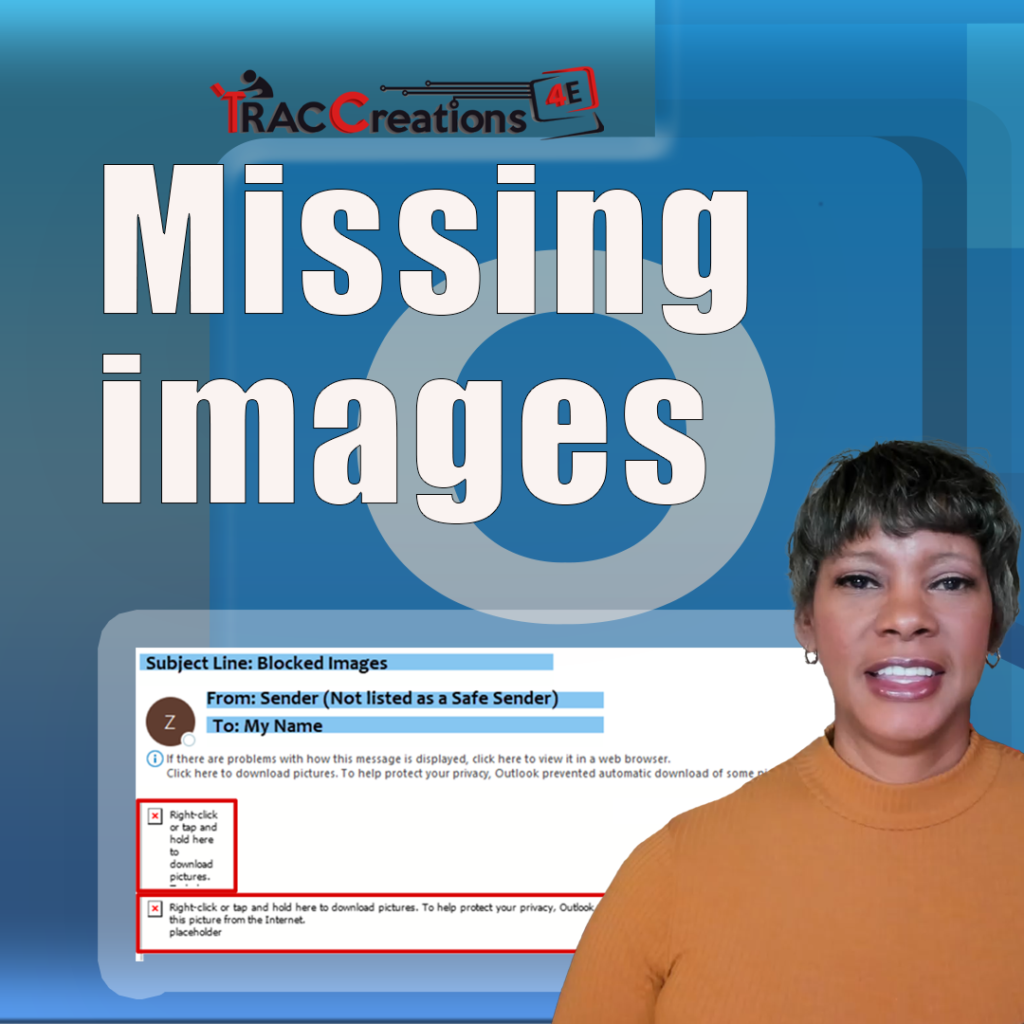
Is your Outlook inbox filled with red x’s instead of images? Learn how to display the missing images in New Outlook.
Outlook Images Not Showing? Here’s the Fix. Read More »
Microsoft allows users to move the navigation bar from the left to the bottom of the screen and change the panes’ width.
Outlook: Move the Navigation Bar Back to the Bottom Read More »
Learn how to add, remove, reposition, and show/hide more than three time zones in Outlook Calendar.
Show Multiple Time Zones in Outlook Calendar Read More »
Show multiple calendars at once, in an overlay or side-by-side (split) view to assist with managing my calendar, people, or groups calendars
Show Multiple Calendars Side-by-Side or Overlay View Read More »
The navigation bar comes with Groups and actions. And, if the groups are not to your liking, you can create or reposition them.
How to Customize the Navigation Bar in Outlook Online Read More »