
Show Multiple Time Zones in Outlook Calendar
Learn how to add, remove, reposition, and show/hide more than three time zones in Outlook Calendar.
Show Multiple Time Zones in Outlook Calendar Read More »
Learn how to add, remove, reposition, and show/hide more than three time zones in Outlook Calendar.
Show Multiple Time Zones in Outlook Calendar Read More »
Show multiple calendars at once, in an overlay or side-by-side (split) view to assist with managing my calendar, people, or groups calendars
Show Multiple Calendars Side-by-Side or Overlay View Read More »
The navigation bar comes with Groups and actions. And, if the groups are not to your liking, you can create or reposition them.
How to Customize the Navigation Bar in Outlook Online Read More »
Meeting organizers can automatically delete forwarded calendar event notifications to save storage space and email handling.
Delete Outlook Notifications About Forwarded Events Read More »
How to download a printable list of all Outlook folders and subfolders in a new email message using a VBA script?
Download Outlook Mailbox Folder List Read More »
Start embracing the Navigation Toolbar moving from the bottom to the left folder pane in Outlook Windows. It will become the default soon.
Outlook Navigation Toolbar moving to a new location Read More »
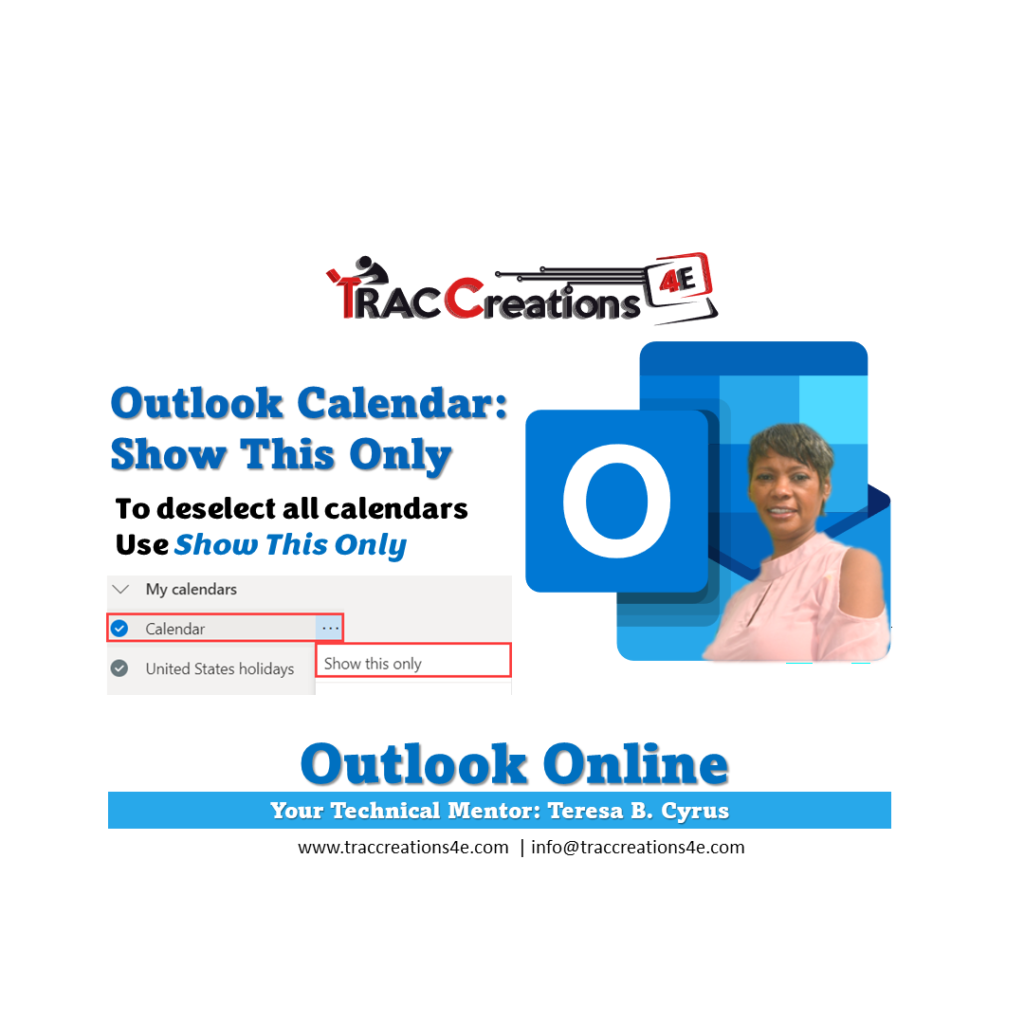
Are you wanting to deselect all calendars in one step without manually clicking each calendar one by one? Learn how.
Outlook Calendar: Deselect All Calendars with Show This Only Read More »
Have you missed a meeting because you overlooked it due to the fainted font color on your Outlook Calendar? Display bold event colors instead.
Enable Bold Colors for your Outlook Calendar Events Read More »
Want to turn on notification alerts in Outlook when a message arrives to prevent missing emails? Or turn it off to eliminate distractions? Read on.
How to turn on / off Notification Alerts in Outlook Read More »
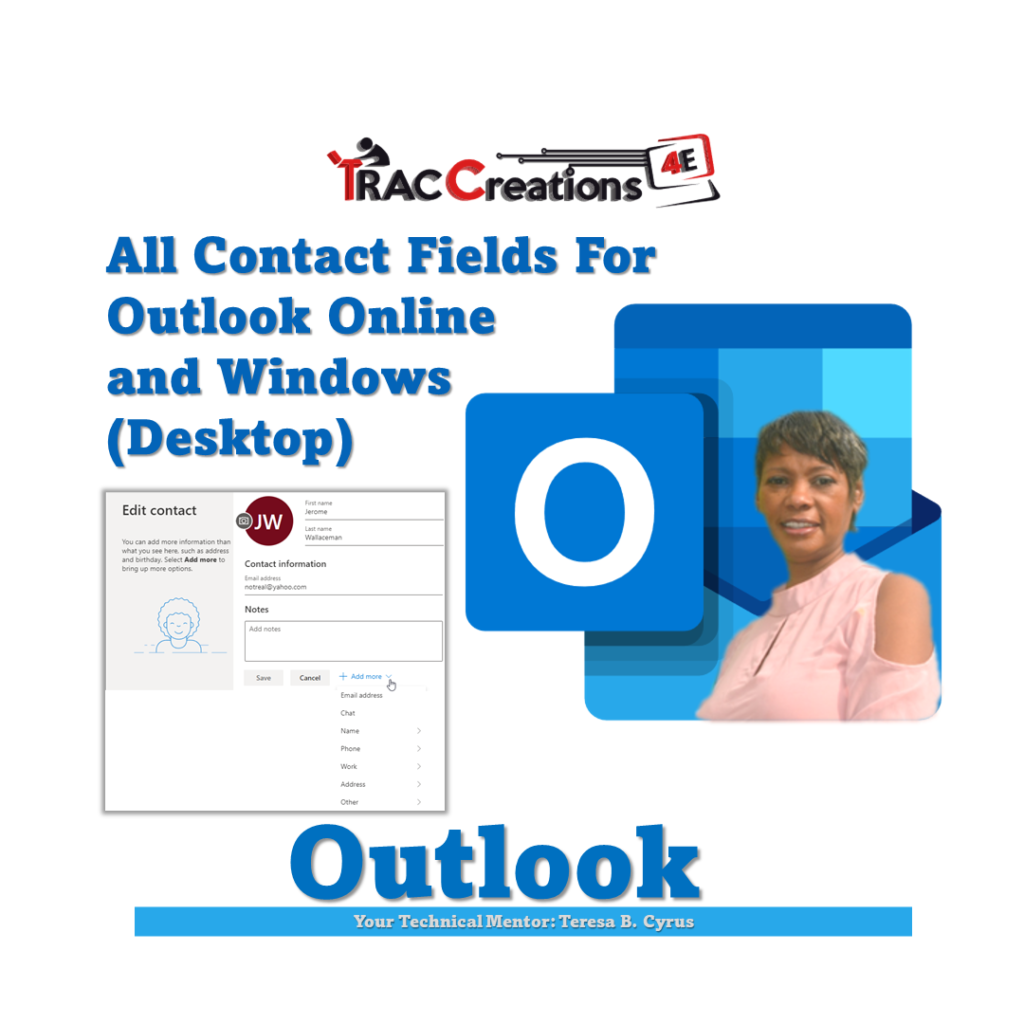
The following list is all of the Outlook Contact fields that are available for importing and exporting a CSV file to or from Outlook Online or Windows.
Outlook Contact Fields Read More »
Microsoft users reported that the Outlook Next and Previous icons which advanced between messages were missing. Now they are Back! Learn more.
Outlook Next / Previous Icons are Missing Update Read More »
Have you ever needed to create another email address but was not sure if it should go under a shared mailbox or an alias email account? This post should help you with those determining factors
Shared Mailbox vs Alias email account Read More »